GCAA
Discounted checkout across retailers.
Context
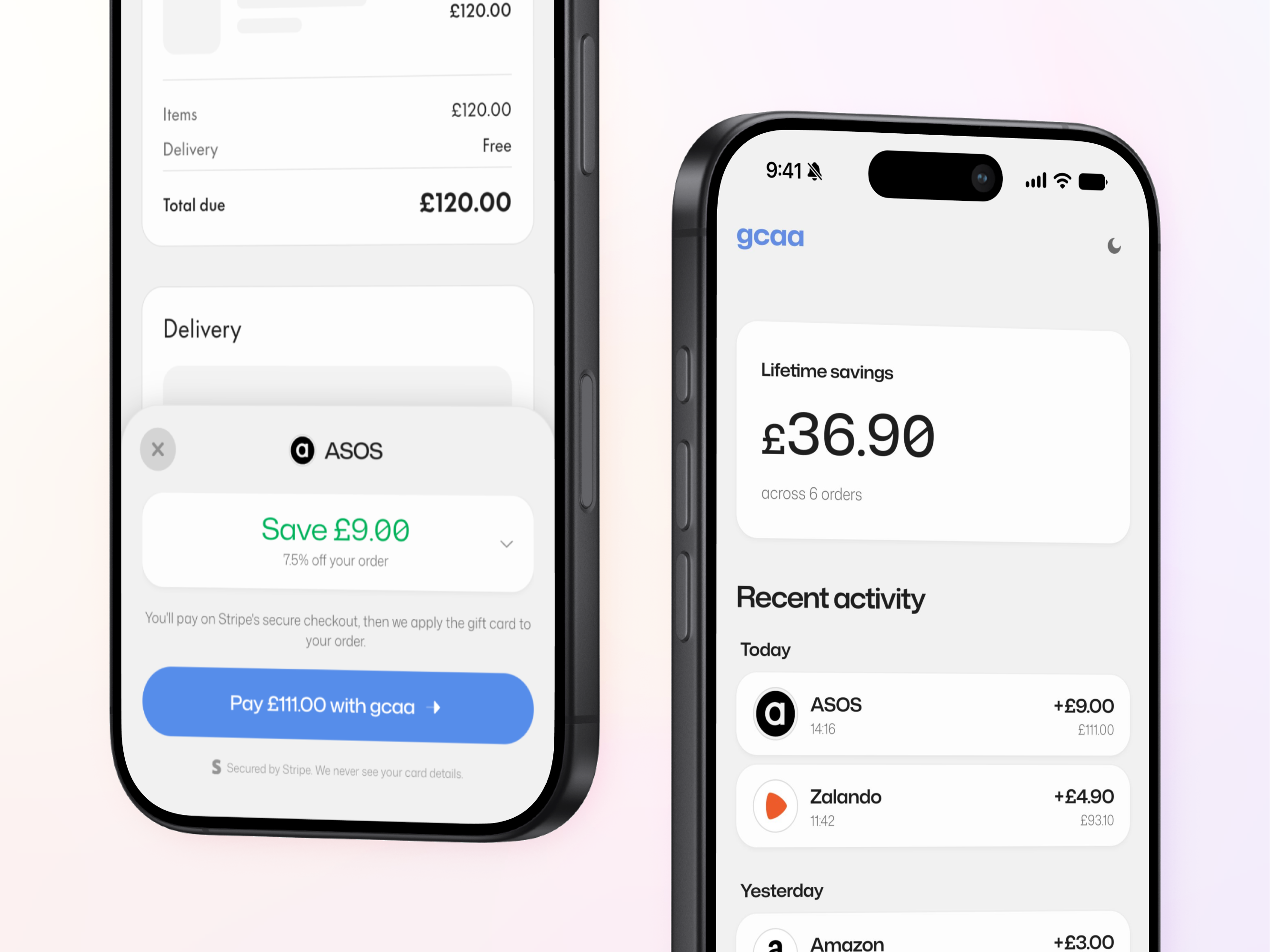
GCAA turns the value of cashback into an upfront discount, using gift cards at checkout.
For example, on a £120 ASOS order with a 7.5% gift card discount, the shopper saves £9. They pay £111 for a gift card worth the full £120.
Usually, getting that saving would be quite tedious. There are a couple of ways people do it.
With a traditional cashback platform such as TopCashback, you have to remember to start on the cashback site, follow its link to the retailer and pay the full price. The cashback appears later and may take weeks or months before it can be withdrawn.
- ASOS order: £120
- Gift card discount (7.5%): -£9
- User pays on Stripe: £111
- Gift card issued for ASOS: £120
The existing gift card cashback journey
Using a gift card cashback app typically meant:
- Leaving ASOS checkout.
- Finding ASOS in the cashback app.
- Purchasing a £120 gift card.
- Receiving £9 in the app’s wallet.
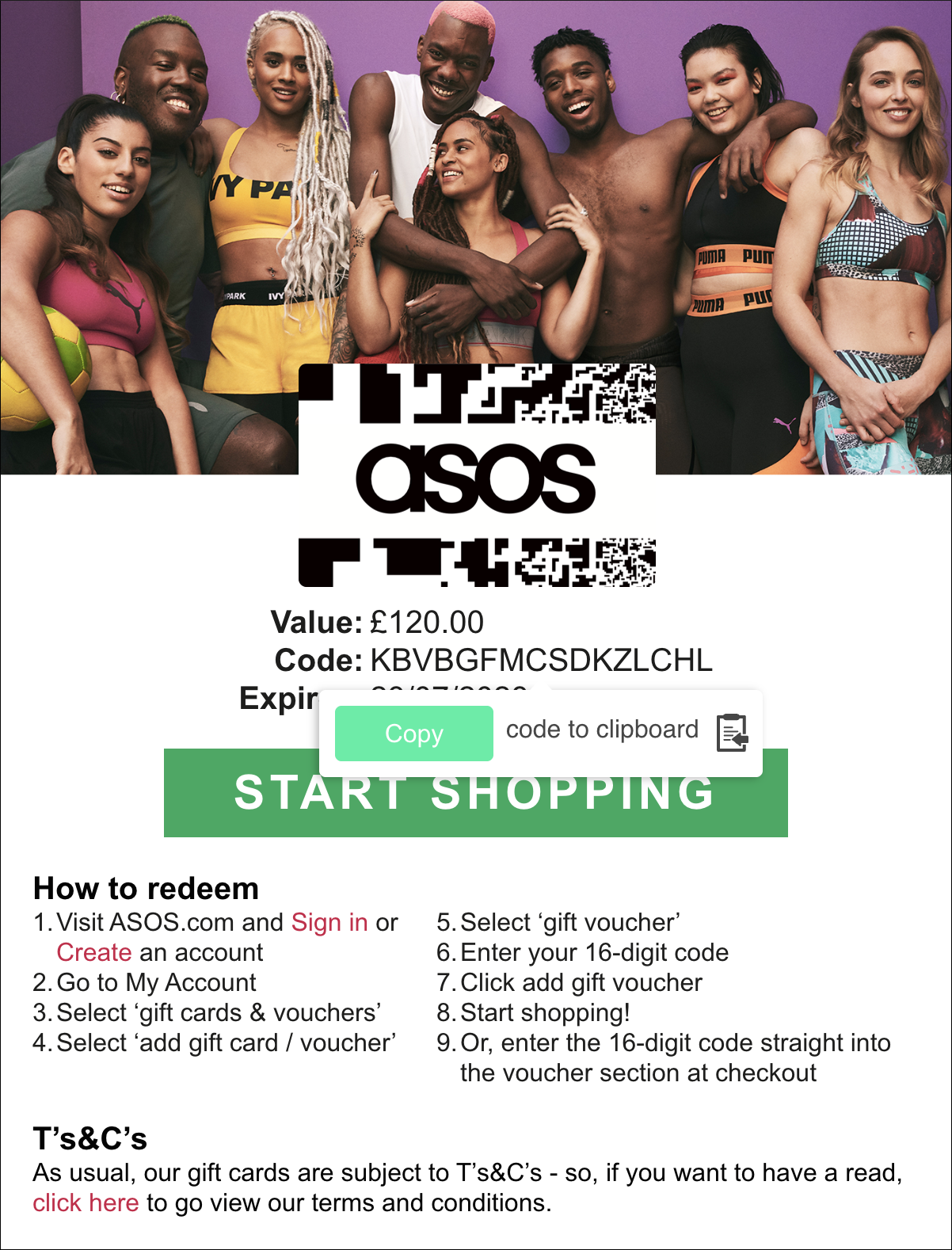
- Copying the gift card code.
- Returning to ASOS.
- Finding the voucher field and applying the code.
The shopper still paid £120. The £9 had to be withdrawn or spent separately, usually after meeting the withdrawal criteria.
GCAA worked differently
- The browser extension automatically detected that the user was on a supported checkout page with products in their cart.
- It read the full checkout total and calculated the discount.
- The user paid £111 through Stripe.
- GCAA issued a gift card worth the full £120.
- The extension retrieved the card code, returned to ASOS, found the correct voucher field and tried to apply it automatically.
- If ASOS prevented the code from being entered, GCAA gave the code back to the user so they could finish manually.
The novelty problem
The existing gift card journey was tedious, but at least visible.
The shopper selected the card, saw what it was worth, copied its code and chose where to apply it.
GCAA removed that work, but that also caused most of the transaction to happen out of sight. The user needed to understand:
- why a £120 order only cost £111
- why they were leaving ASOS to pay
- whether the gift card was being created
- whether ASOS had accepted it
The design challenge was not merely about making the checkout shorter. I also needed to consider what went through the user’s mind, especially when their money was involved.
Making the transaction visible
I didn’t want to explain the whole system upfront. That would make checkout tedious again. Instead, I worked out what the user needed to know at each point.
Before payment
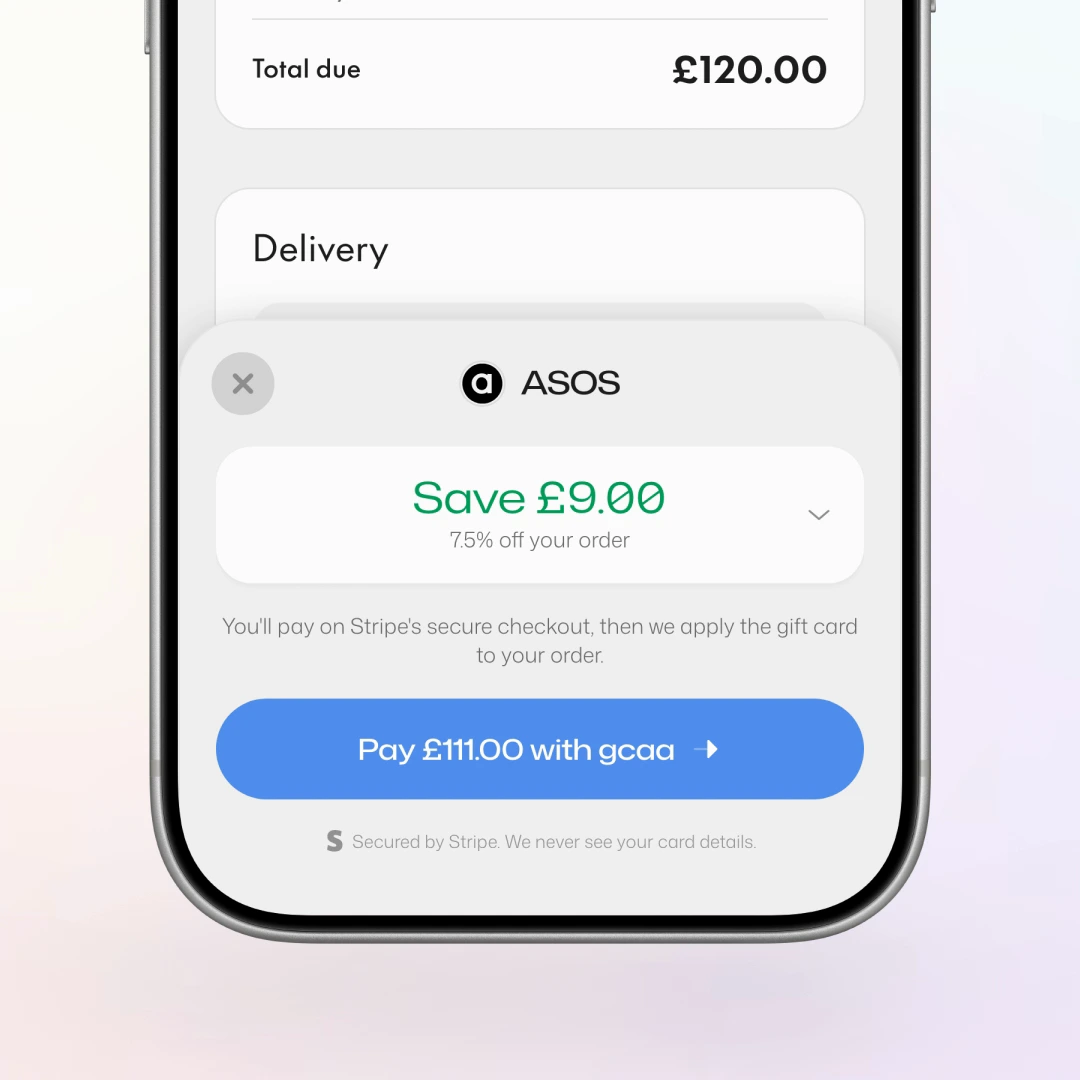
The first screen showed how a £120 order became a £111 payment.
Users could expand the £9 saving to see the full calculation without leaving ASOS.
Earning trust before payment
GCAA asked the shopper to leave ASOS, pay £111 through a product they had not used before and trust it to return with a £120 gift card.
Without a clear explanation, that could easily look like a scam.
Before opening Stripe, the sheet showed the full calculation and explained what would happen next. The button named both the amount and who was taking the payment: Pay £111 with GCAA.
The sheet also stayed explicit about responsibility: Stripe handled the payment. GCAA never saw the user’s card details. ASOS received the gift card.
Trust came from being specific, not from adding more badges.
While GCAA was working
Once payment started, the sheet remained on ASOS.
It showed each stage: opening Stripe, issuing the gift card, fetching its code and applying it to the order.
The user always knew what had already happened, what GCAA was doing and whether they needed to act.
Proving that it worked
Entering the code was not enough.
GCAA checked whether the ASOS total had actually changed. Only then did it confirm that the £9 had been saved.
If ASOS did not accept the code, GCAA showed the issued card and PIN. The user could copy it and finish the same purchase themselves.
After checkout
The purchase remained available in the GCAA app.
Users could check its status, see how much they had saved and return to the gift card later.
Pending orders did not claim a saving that had not happened. Failed orders confirmed that no charge remained.
Built as a system
The checkout sheet was one shared component used by the web app and by the extension inside a Shadow DOM on retailer pages.
Storybook documented 61 stories, including 27 checkout states and paths. MCP and accessibility addons exposed the same catalogue to people and coding agents.
Semantic OKLCH tokens covered light and dark themes, elevation and status. Motion expressed real state changes, and every transition had a reduced motion path.